


My best topic was data validation as this helps you to automatically control the data in the cell and make work look organised and systematic.
i suggest regular Assessments to be provided to us so as to always refresh our minds.

I give this module a 5 because everything was well explained and illustrated in the videos.
My most interesting part was the how cells become buttons to view other information.
Much appreciation for the Totmind tech team.

I am really gratefully for everything in this module because I now understand something in excel the especially on navigating Excel mouse and keyboard short cuts, I do appreciate for everything I learnt in this module. long live TOTMIND SCHOOL 🙏🙏🙏🥰🥰

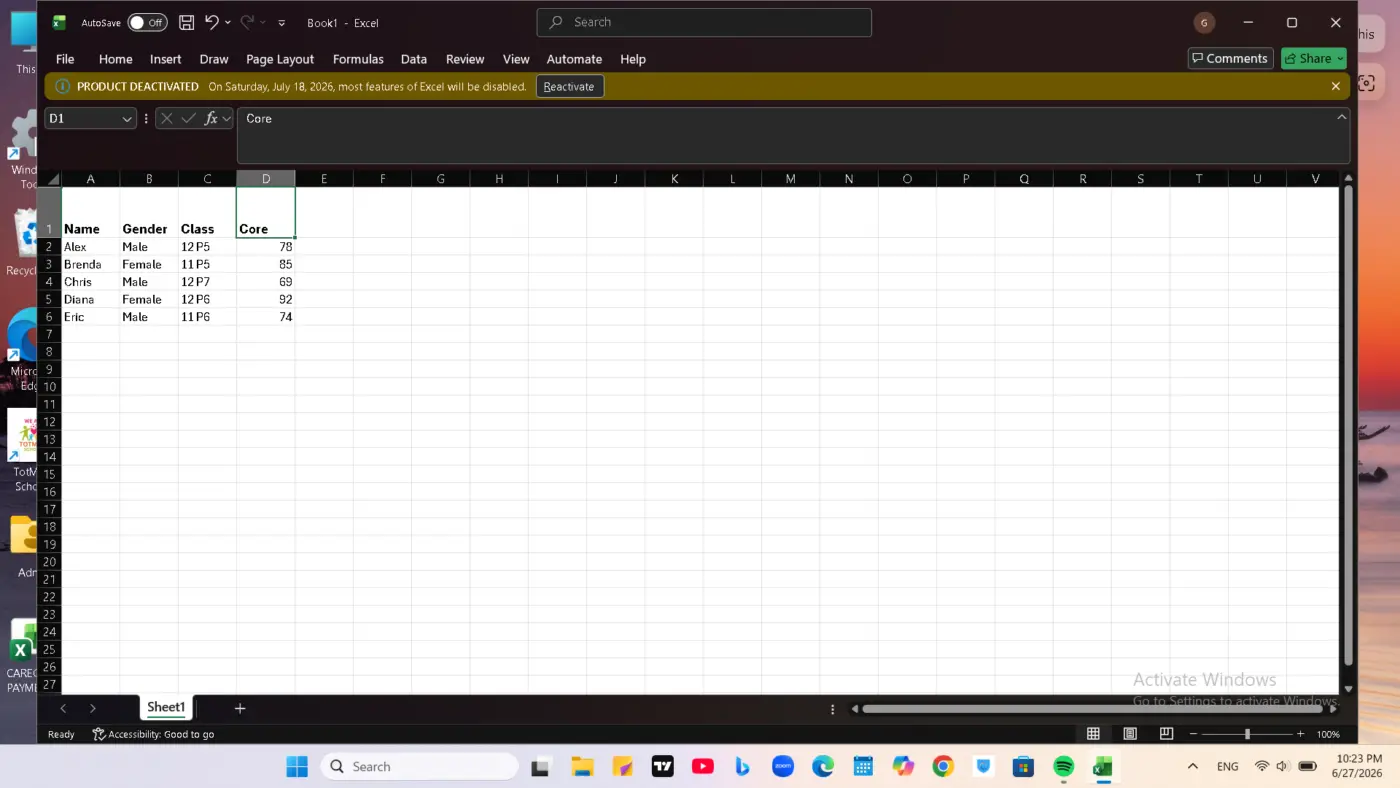
My excel is deactivated but i really learnt a lot from totmind school and i promise to keep on practicing. Thank so much
My excel is deactivated once i activate it i will keep on practicing
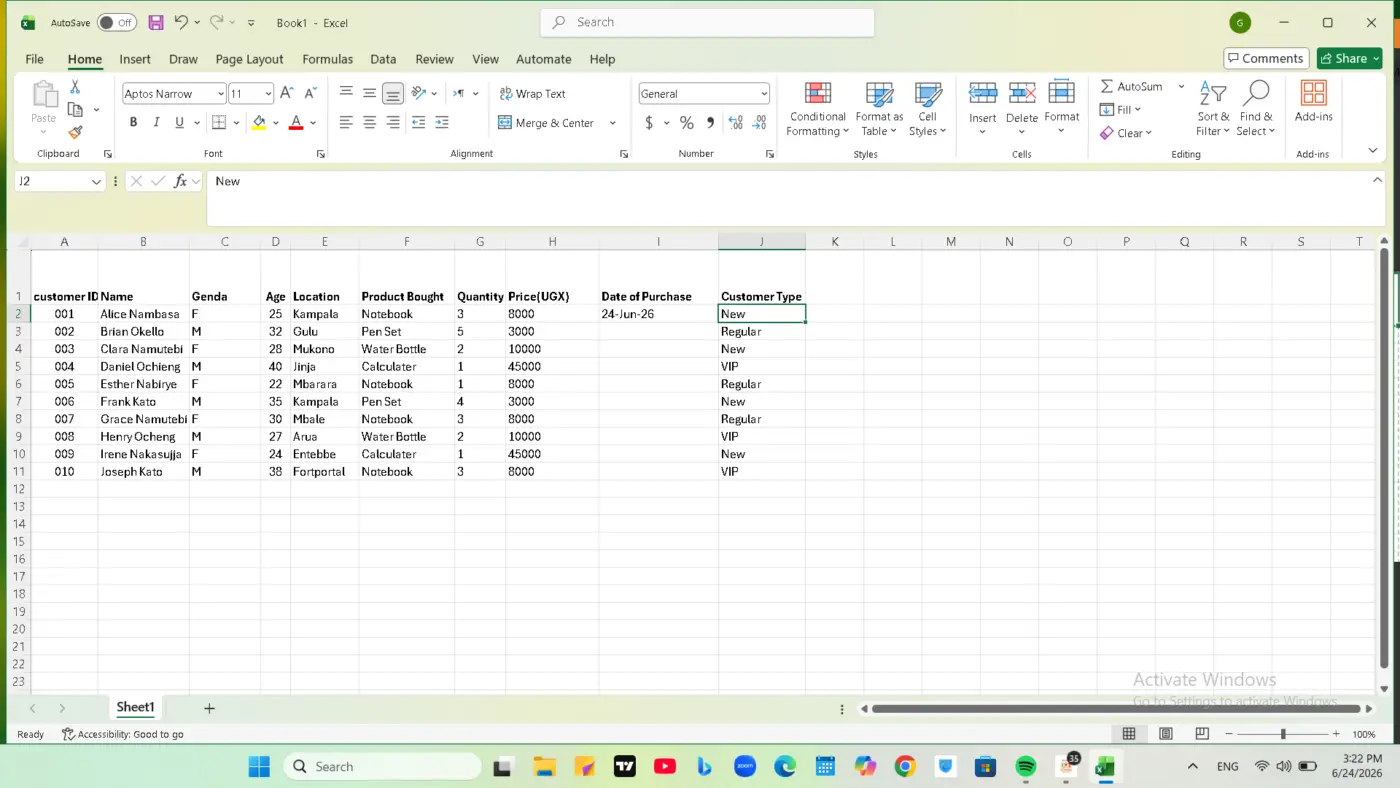

I give it a 5 because the Module was very practical.I learned how to stop Excel from
changing my customer IDs and dates.
The best part of the was building the Customer Tracker Table.Fixing the date format,It
was hard at first,but solving it made me confident. And also learning how to use the shortcuts during my project simplified my wok,
I'm really grateful for TOTMIND SCHOOL for giving me this opportunity,
I just need more practice to master everything.
The Module was great,Thank you so much.

Visual Charts are very important in reporting because they simplify data for executives. Much appreciated

The best part for me was adding links in excel and creating dashboards

My rating: 4 Satisfied
Why i gave that rating: The lesson layout was highly interactive, easy to follow, and practical. It completely changed how I look at data presentation.
The best part of the module: Learning how to turn a standard table into a clean, professional dashboard using visual elements. It really helped bridge the gap between hard data and clear visual communication.
Suggestions for improvement: Everything was well-structured and clear. No suggestions at the moment, just looking forward to the next set of exercises!